Short answer
A pulsed laser cleaner has five settings that matter: power, pulse frequency, pulse width, scan speed and scan width or line spacing. Lower frequency gives fewer, stronger pulses that strip rust and paint faster but leave a rougher surface; higher frequency gives more, weaker pulses and a smoother finish. On a MOPA source, keep the frequency above the power-reduction threshold for the pulse width you choose, or the output drops: 165 kHz at 100 ns, 70 kHz at 200 ns, 65 kHz at 250–500 ns on Maxwave's 100 W source. The field lens sets the maximum scan: 110 mm with a 163 mm lens, 175 mm with 254 mm, 200 mm with 330 mm.
Key takeaways
- Frequency trades strength per pulse against smoothness: at a given power, doubling the pulse rate halves the energy in each pulse.
- On a 100 W MOPA cleaner, pulse width runs from 2 to 500 ns and frequency up to 4000 kHz. Below the threshold frequency for a pulse width, the source cuts its own power to protect itself.
- Scan width is set by the field lens: up to 110 mm at F163, 175 mm at F254 and 200 mm at F330 on the 100 W cleaner.
- Continuous-wave cleaners of 1000–3000 W have fewer settings: power, scan width, scan speed and pattern. Cleaning gas is nitrogen or dry compressed air at 0.6 MPa.
- On a combined welding and cleaning head, keep cleaning power at or below 50 %; higher power shortens lens life sharply.


Laser cleaning settings decide how fast a coating comes off and what the surface looks like afterwards. This guide explains each setting on a pulsed cleaner, gives the pulse-width and frequency limits of a 100 W MOPA source, and covers the simpler set-up of 1000–3000 W continuous-wave (CW) cleaners.
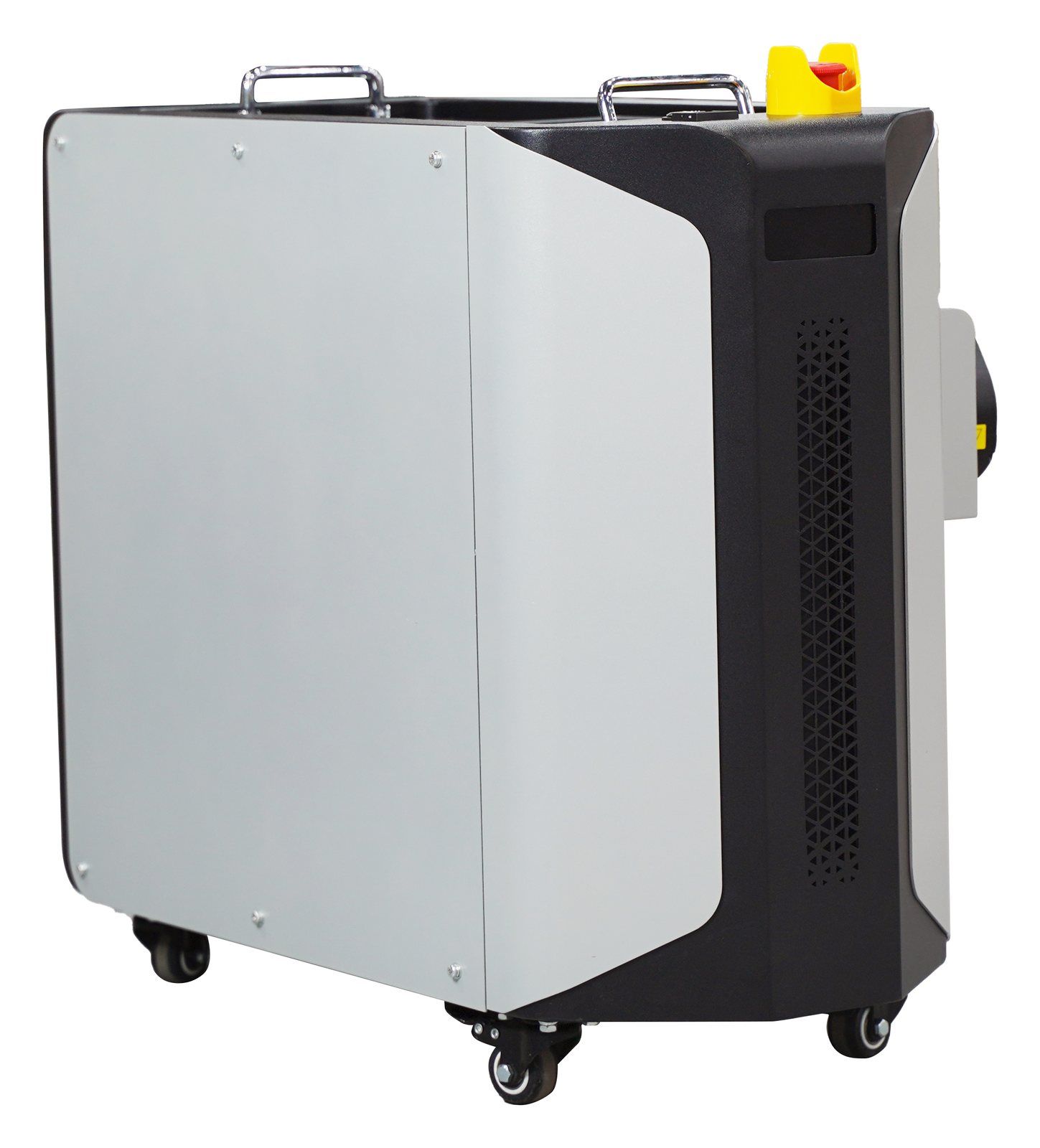
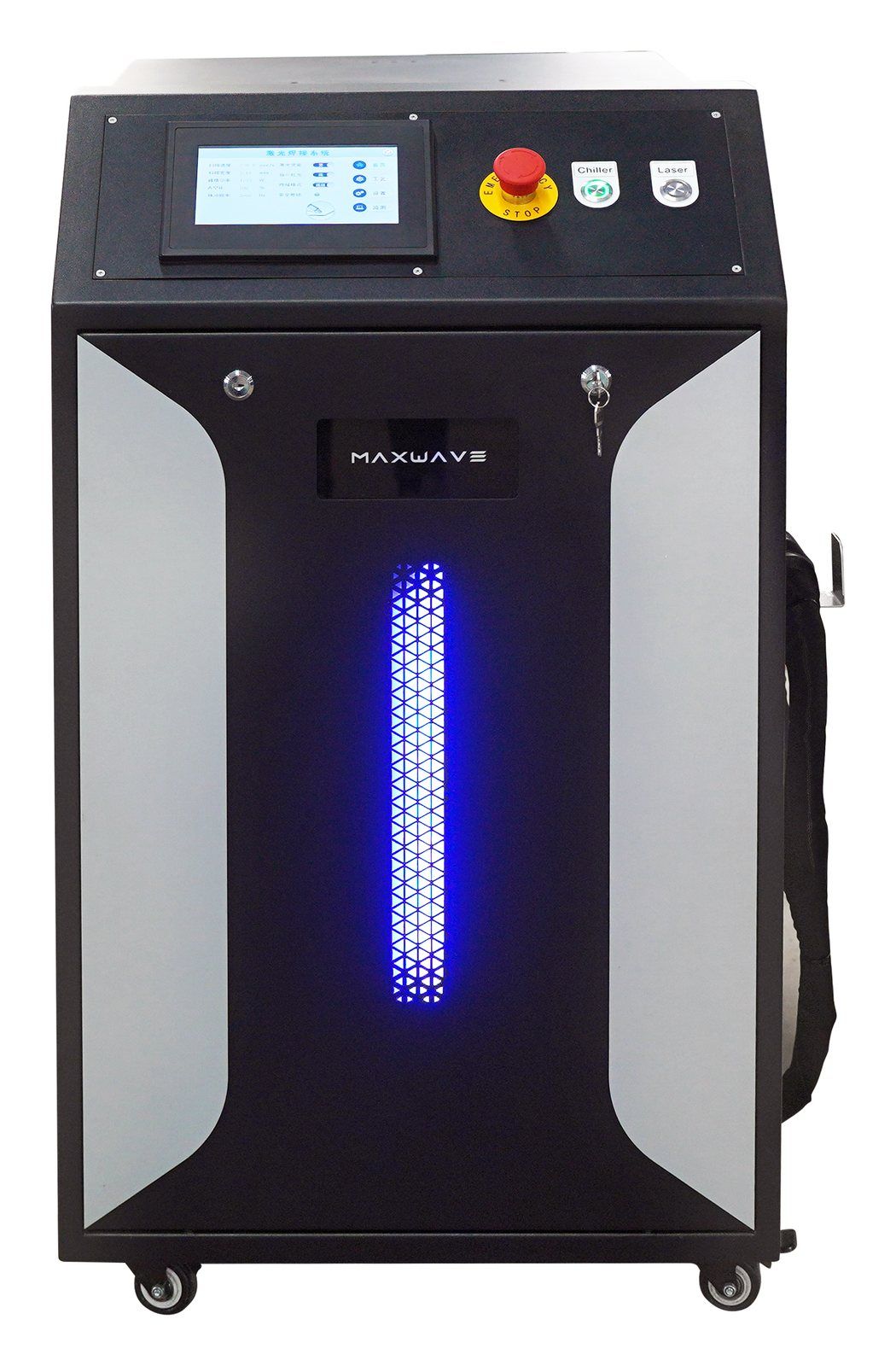
Where the numbers come from. The pulse-width, frequency and scan figures are from the manual of Maxwave’s 100 W portable pulsed cleaner, whose source is a MOPA fiber laser. The gas and lens-life rules are from Maxwave’s selection sheet and the manual of its combined welding and cleaning machines, and the cooling figures from the source maker’s manual for 2000–3000 W CW lasers. For the choice between the two laser types, see pulsed vs continuous laser cleaning.
What does each setting change?
| Setting | Range on a 100 W pulsed cleaner | Turn it up | Turn it down |
|---|---|---|---|
| Power | 0–100 % | Removes more per pass; more heat into the part | Gentler on thin or delicate parts |
| Pulse frequency | Up to 4000 kHz | More, weaker pulses: smoother surface, slower on thick layers | Fewer, stronger pulses: faster on heavy rust and paint, rougher surface |
| Pulse width | 2–500 ns | More energy per pulse: thicker layers, more heat | Thin layers, very little heat |
| Scan speed | 0–10,000 mm/s | Less overlap between pulses; lighter cleaning | More overlap; deeper cleaning, more heat |
| Line spacing (rectangle mode) | 0–10 mm | Faster coverage, may leave stripes | Even finish, slower |
| Scan length and width | Up to 110–200 mm, set by the lens | Covers more area per sweep, with less energy per square millimetre | Concentrates the energy |
| Passes | 1–10 | Removes layer by layer | — |
The trade between frequency and pulse strength is simple arithmetic. At a fixed average power, each pulse carries power ÷ frequency. A 100 W source at 80 kHz puts 1.25 mJ in each pulse; at 200 kHz, 0.5 mJ. That is why the beam looks weaker at 200 kHz but leaves a smoother surface. Maxwave’s manual lists the source’s maximum pulse energy as 1.5 mJ.
Pulse width and the power-reduction threshold
A MOPA source lets you set pulse width and frequency separately. Each pulse width has a threshold frequency: set the frequency below it and the source reduces its output power to protect itself. Above the threshold you get full power, up to the maximum frequency for that pulse width.
| Pulse width | Threshold frequency (full power above) | Maximum frequency |
|---|---|---|
| 2 ns | 3000 kHz | 4000 kHz |
| 4 ns | 2000 kHz | 4000 kHz |
| 6 ns | 1500 kHz | 4000 kHz |
| 8 ns | 1000 kHz | 4000 kHz |
| 12 ns | 700 kHz | 3000 kHz |
| 20 ns | 400 kHz | 3000 kHz |
| 30 ns | 300 kHz | 3000 kHz |
| 45 ns | 250 kHz | 2000 kHz |
| 60 ns | 210 kHz | 2000 kHz |
| 80 ns | 190 kHz | 2000 kHz |
| 100 ns | 165 kHz | 1000 kHz |
| 150 ns | 80 kHz | 1000 kHz |
| 200 ns | 70 kHz | 1000 kHz |
| 250 ns | 65 kHz | 900 kHz |
| 350 ns | 65 kHz | 600 kHz |
| 500 ns | 65 kHz | 500 kHz |
Values for the 100 W MOPA source in Maxwave’s portable cleaner. Other sources have their own tables; ask for the one that ships with your machine.
How wide can it clean? Scan width by lens
| Field lens | Maximum scan length and width |
|---|---|
| F163 (163 mm) | 110 mm |
| F254 (254 mm) | 175 mm |
| F330 (330 mm) | 200 mm |
A longer lens gives a wider scan and a longer working distance, but spreads the same power over more area. For heavy rust, a narrower scan concentrates the energy; for large, lightly soiled areas, a wider scan covers the surface faster.
The cleaner scans in two patterns. Line mode sweeps a single line of set length along the X or Y axis. Rectangle mode fills an area with parallel lines, set by length, width, line spacing and direction (one-way, two-way, or optimized two-way).
Starting points by job
These are rules for where to start, not fixed recipes. Clean a test patch, look at it, and change one setting at a time.
| Job | Power | Frequency | Pulse width | Scan |
|---|---|---|---|---|
| Heavy rust or thick paint on steel | High | Low end, above the threshold | Long (150–500 ns) | Narrow scan, slower speed, several passes |
| Light rust and oxide | Medium | Middle | Medium (45–100 ns) | Medium width |
| Thin parts, aluminium, moulds | Low to medium | High | Short (2–30 ns) | Wide scan, faster speed |
| Final pass for a smooth finish | Medium | High | Short to medium | Fine line spacing |
Continuous-wave cleaners (1000–3000 W)
CW cleaners have no pulse width or pulse frequency to set. You choose the power, the scan width, the scan speed and the pattern. The heat input is higher than with a pulsed laser, which is why CW cleaners are used on heavy rust and paint on steel rather than on thin sheet or precision moulds.
- Scan width: cleaning heads for 2000–3000 W sources sweep up to 200–300 mm in a single line. Double-wobble heads also clean in patterns over an area of up to 300 × 300 mm.
- Gas: nitrogen or dried, oil-free compressed air at 0.6 MPa protects the lens and clears debris.
- Combined welding and cleaning heads: in cleaning mode, keep the laser power at or below 50 %. Higher power greatly shortens the life of the lens.
- Cooling: the source maker specifies a water chiller with 6.5 kW of cooling for a 2000 W source and 7.5 kW for 3000 W, and a water flow of 20 and 30 L/min. Replace the cooling water and filter once a month, and use antifreeze before winter where it freezes.
Common faults
| Symptom | Likely cause | What to do |
|---|---|---|
| Cleaning suddenly weaker | Frequency set below the threshold for the pulse width; dirty or burnt lens | Raise the frequency or shorten the pulse; clean or replace the protective lens |
| Laser error or power alarm | Fiber bent tighter than 15 cm; blocked air vents; temperature outside 0–40 °C | Straighten the fiber; keep 20 cm clear around the air outlets; work at 10–30 °C where possible |
| Remote controller will not connect | Controller and machine not paired, or two machines on the same address | Pair them again and give each machine a unique address |
| Chiller alarm on a 2000–3000 W cleaner | Phase loss or reversed phase (E04, E05), low water flow (E08–E11) | Check the 380 V supply phases; check the water level, filter and hoses |
Keep the lens covered when the machine is not in use, clean the head with clean air or cotton, and switch the machine off before changing a lens.
The machines on this site are a selection; other powers, lenses and heads are available on request. Send us a sample of your part and we clean it free of charge and send you the settings with the result.
Clips of cleaning machines already on this site are on the machine videos page.