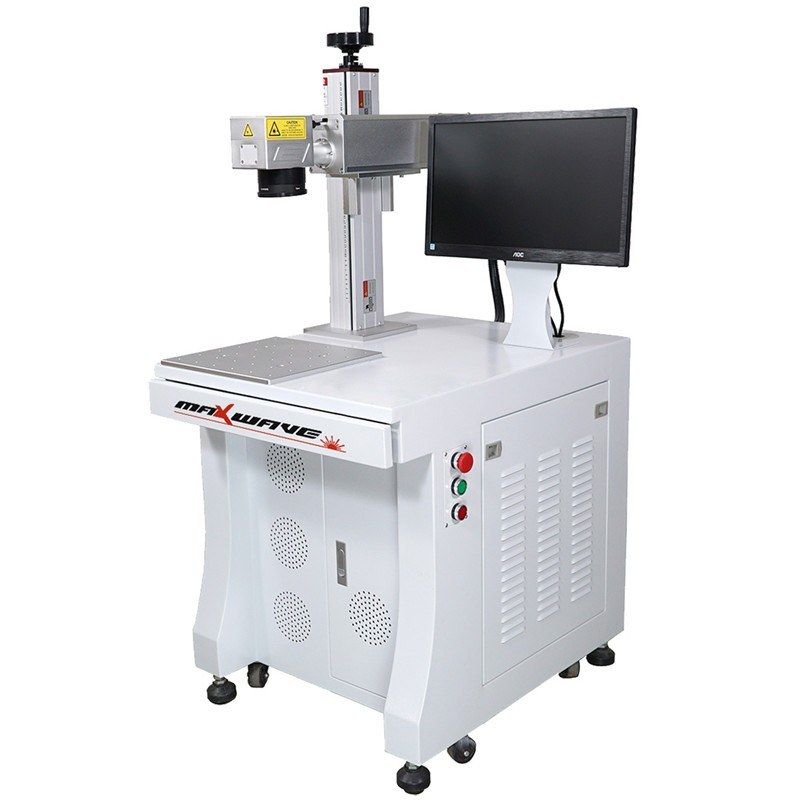
Fiber and MOPA markers
Desktop Fiber Laser Marking Machine 20–100 W
- Laser power
- 20–100 W
- Marking area
- Up to 300 × 300 mm
- Marking speed
- ≤ 7000 mm/s
Fiber and MOPA markers
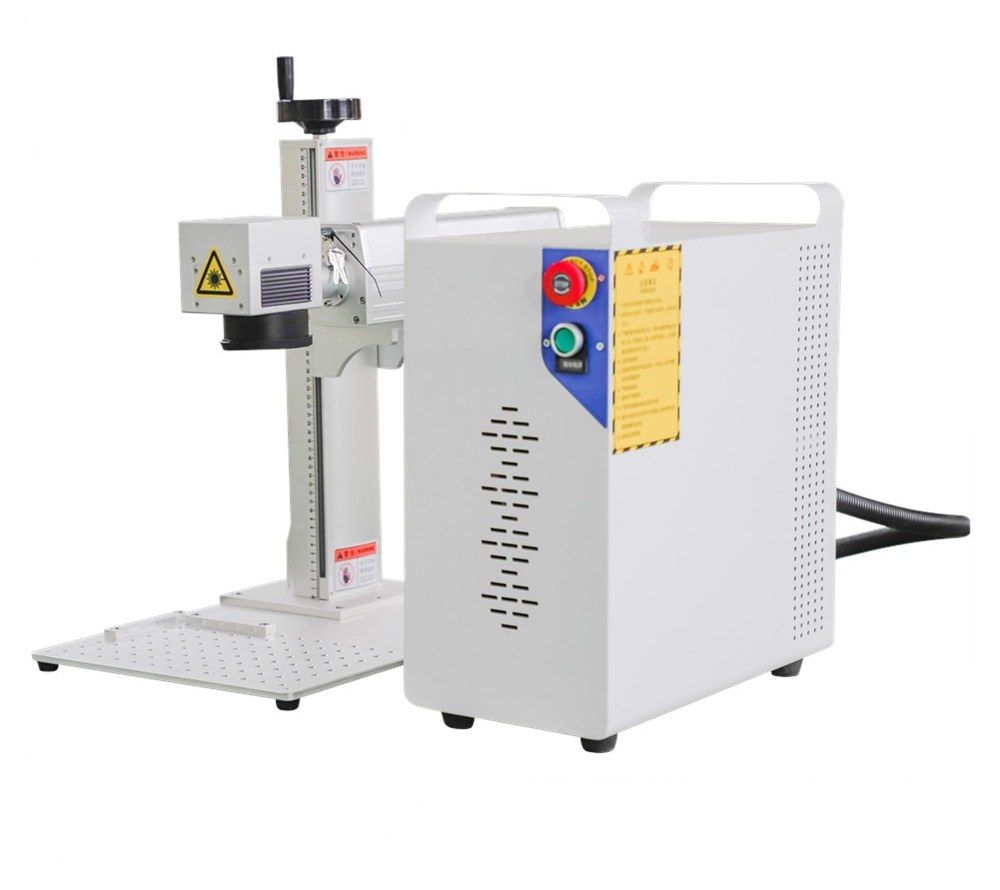
Models · MOPA-30
A split-type fiber laser marker with a MOPA source, whose adjustable pulse width lets it make colour marks on stainless steel as well as standard marks on metals and plastics. Air-cooled Raycus or JPT sources run from 20 to 100 W. It suits makers of tools, nameplates, electronics and consumer goods who need more than a plain grey mark.
A MOPA (master oscillator, power amplifier) fiber laser works like a standard fiber marker, with one important difference: you can set the pulse width as well as the power and frequency. That control lets the operator decide how much heat goes into the surface. On stainless steel, careful heat input grows a thin oxide layer whose colour depends on the settings, so the machine can mark logos and pictures in colour. On plastics and thin parts, it helps keep marks crisp without burning.
The machine also does everything a standard fiber marker does: serial numbers, barcodes, QR codes and logos on steel, aluminium, brass and many plastics.
The machine carries Maxwave’s 2-year whole-machine warranty, and we offer free training at our Wuhan factory.
Talk to an engineer
Tell us the material, thickness and the result you need. An engineer replies with a matched configuration and a quote.
Send your job detailsNeed a different setup?
This site shows only part of our range. Other powers and sizes, custom builds and everything around the machine are available on request.
Ask for the restRelated guide
Fiber, UV or CO2 laser markingData
| Model | MOPA-30 |
|---|---|
| Laser source | Raycus or JPT MOPA fiber laser (JPT M1 / M6 listed) |
| Laser power | 20 / 30 / 60 / 80 / 100 W |
| Wavelength | 1064 nm |
| Pulse frequency | 20–60 kHz |
| Beam quality | M² < 2 |
| Power stability (8 h) | < ±1 % |
| Marking speed | Up to 300 characters/s |
| Minimum line width | 0.05 mm |
| Minimum character height | 0.3 mm |
| Marking area | 100 × 100 mm (200 × 200 / 300 × 300 mm optional) |
| Positioning | Red-light pointer |
| Control software | EZCAD / MarkingMate |
| File formats | PLT, BMP, JPG, PNG, TIF, PCX, TGA, ICO, DXF |
| Cooling | Air |
| Machine power consumption | < 800 W |
| Power supply | AC 220 V ±10 %, 50 Hz |
| Operating temperature | 5–35 °C |
| Packing | Plywood case |
Specifications vary by power option and source; confirm power, source and lens for your configuration with us.
Wuhan Maxwave Laser Technology Co., Ltd. · sales@zerolineai.com · +44 7762 362563 · Specifications may change; confirm your configuration with us.
Fit
FAQ
A standard fiber marker has a fixed pulse width. A MOPA source also lets you set the pulse width, alongside frequency and power. That extra control is what makes colour marks on stainless steel possible and gives cleaner marks on heat-sensitive plastics and thin parts.
Colour comes from a thin oxide layer whose tint depends on the heat put into the surface. The range and repeatability depend on the steel grade, surface finish and parameters, so send us a sample and we will test it.
Yes, many. ABS, nylon, PES, PVC and polycarbonate are listed. Results vary with the grade, colour and additives, so we recommend a sample test.
The standard lens gives 100 × 100 mm. Lenses for 200 × 200 and 300 × 300 mm are optional. A larger field covers bigger parts but gives a larger spot, so fine detail is sharper on the smaller field.
Fiber and MOPA markers
Fiber and MOPA markers
UV markers, 355 nm