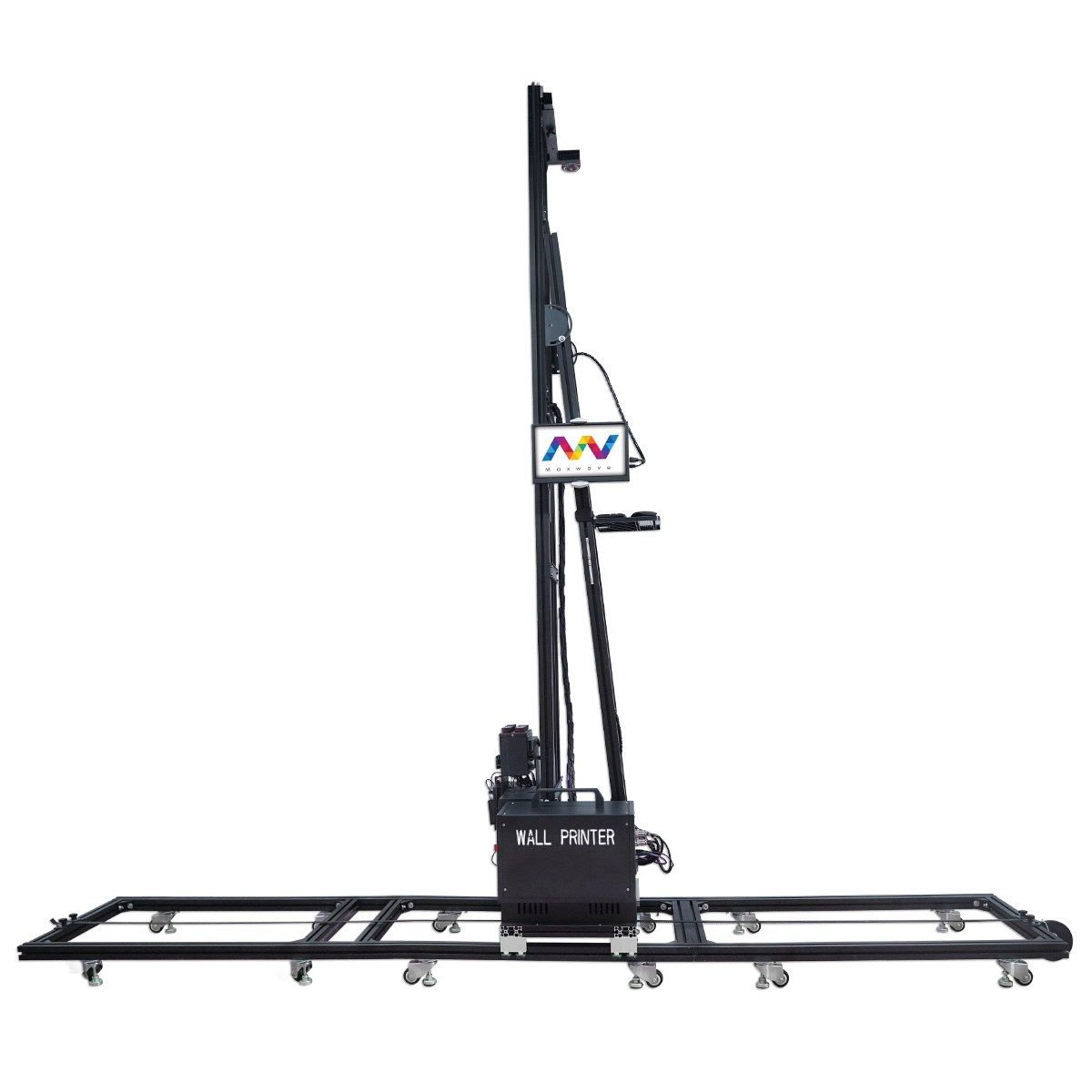
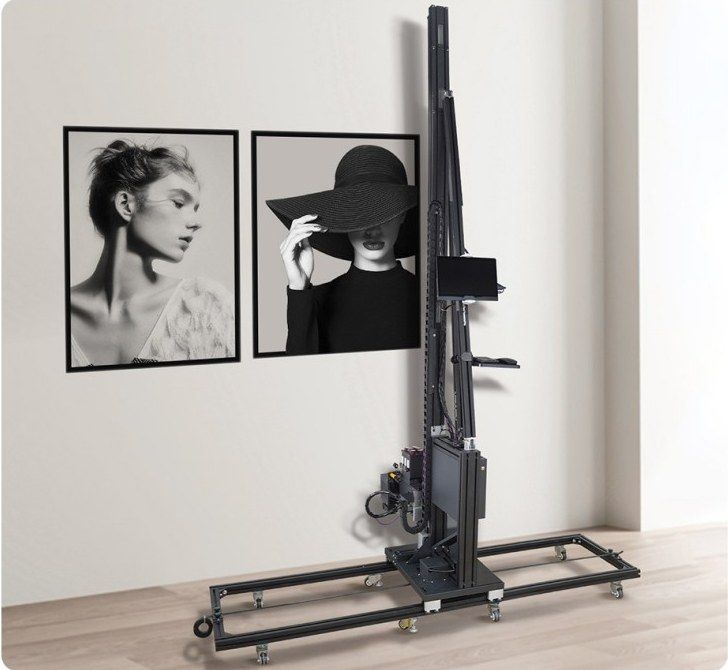
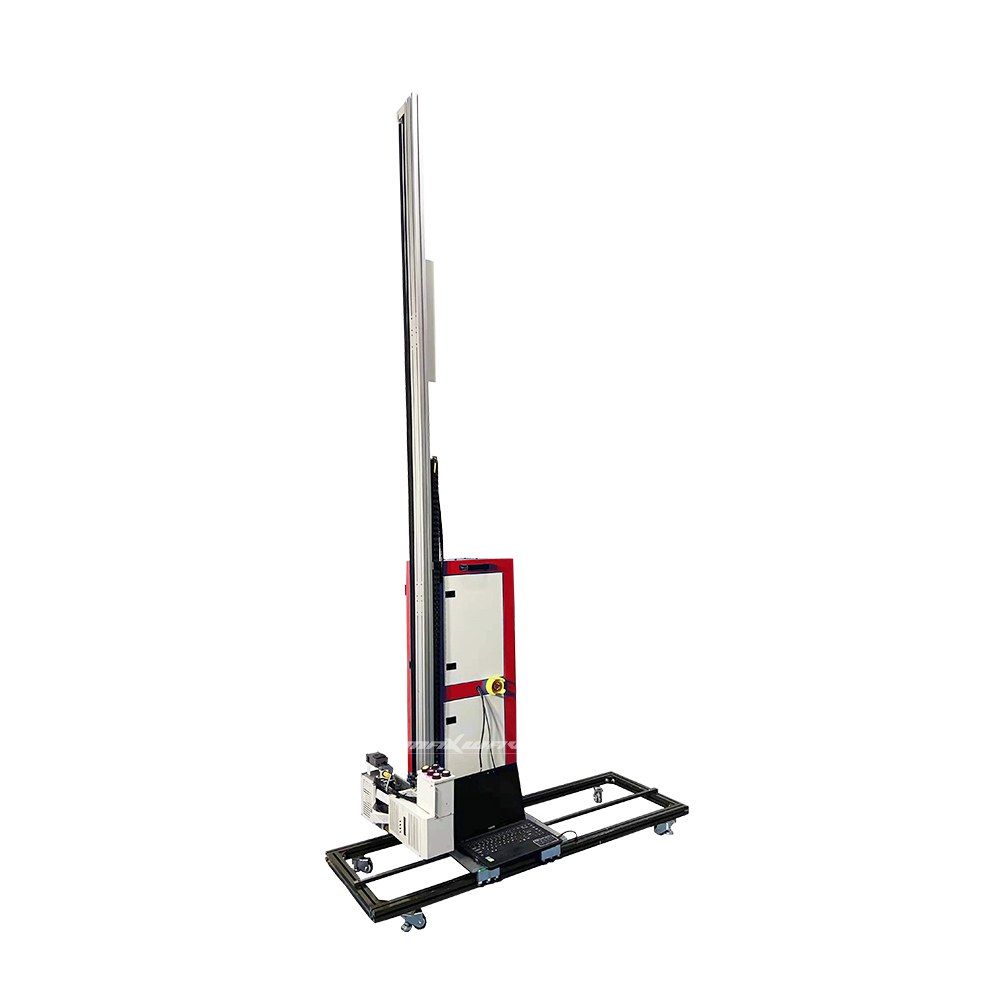
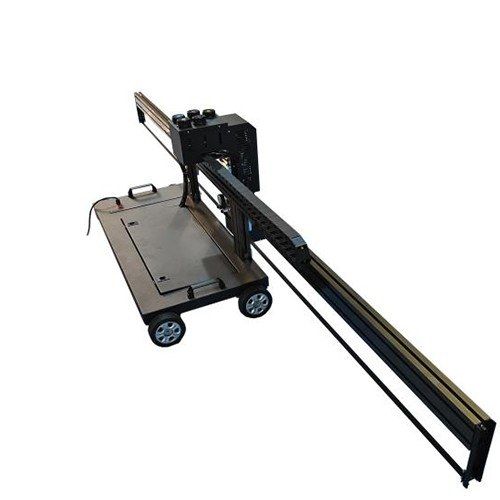
Short answer
In a wall printer, the printhead decides speed, upkeep and running cost. At the default quality, Maxwave quotes 2–5 m²/h for a TX800 head (1,080 nozzles), 3–6 m²/h for an Epson I1600 (1,600 nozzles) and 4–8 m²/h for an I3200 (3,200 nozzles). The TX800's small nozzles need maintenance every 1–2 weeks and last about 4–9 months; the I1600 and I3200 need it monthly and last about 6–12 and 18–36 months. Beyond the head, check the rail or wheels, head heating, weather protection and how fast the machine sets up.
Key takeaways
- Default-quality speed: TX800 2–5 m²/h at 720 × 1080 dpi; I1600 3–6 m²/h and I3200 4–8 m²/h at 720 × 1440 dpi (Maxwave's figures, for reference).
- Draft speed at 360 × 720 dpi: 8–10, 10–15 and 15–20 m²/h; fine quality at 720 × 2880 dpi: 1–2, 2–4 and 4–6 m²/h.
- Service life: TX800 about 4–9 months (3–6 months for re-capped heads), I1600 about 6–12 months, I3200 about 18–36 months.
- Ink cost: Maxwave puts UV ink use at about 2 ml per square metre, about USD 0.40 of ink.
- Head heating keeps the ink flowing below 0 °C; without it the heads clog in the cold and the machine cannot print.


The printhead is the part of a wall printer that decides how fast it prints, how often you clean it and how much it costs to keep running. Most wall printers use Epson heads. This guide compares the three you meet most often, the TX800 (also sold as the DX10), the I1600 and the I3200, and then lists the other parts that separate an entry-level machine from a better one.
Where the numbers come from. Speeds, maintenance intervals and service life are Maxwave’s own reference figures from its product comparison sheet for wall printers. Real speed depends on the image, the number of passes and the wall; treat them as a guide and ask for a timed test. Product pages quote each model’s own spec-sheet speeds by print mode (for example 8 m²/h standard and 5 m²/h high resolution on the I1600 track-type machine); the ranges below are per head at fixed resolutions, so the two are not measured the same way. Nozzle counts are from the printhead specifications. For how wall printers work in general, see our wall printer guide.
How do the three heads compare?
| TX800 | Epson I1600 | Epson I3200 | |
|---|---|---|---|
| Nozzles | 1,080 | 1,600 | 3,200 |
| Nozzle size | Small | Large | Large |
| Default quality | 720 × 1080 dpi, 2–5 m²/h | 720 × 1440 dpi, 3–6 m²/h | 720 × 1440 dpi, 4–8 m²/h |
| Draft, 360 × 720 dpi | 8–10 m²/h | 10–15 m²/h | 15–20 m²/h |
| Fine, 720 × 2880 dpi | 1–2 m²/h | 2–4 m²/h | 4–6 m²/h |
| Maintenance | Every 1–2 weeks | Monthly | Monthly |
| Service life | About 4–9 months; 3–6 months for re-capped heads | About 6–12 months | About 18–36 months |
Figures are Maxwave’s reference values. Machines can carry two heads, for colour and white.
What this means for a business. A TX800 machine costs less to buy but spends more time on maintenance and needs a new head two or three times as often. Larger nozzles clog less easily, which is why the I1600 and I3200 run for a month between maintenance. The I3200 roughly doubles the output of a TX800 at the same quality, which matters once you sell murals by the square metre every week.
How much does the ink cost per square metre?
Maxwave puts UV ink use at about 2 ml per square metre, roughly USD 0.40 of ink. A white underprint for dark walls adds to that. What you charge per square metre depends on your market and the job, so work out your own payback: machine price ÷ (your price per m² − ink and labour per m²) gives the square metres needed to pay for the machine.
What else separates an entry-level and a better wall printer?
Maxwave builds its wall printers in three grades. The head is one difference; the rest are these:
| Part | Entry grade | Middle and top grades |
|---|---|---|
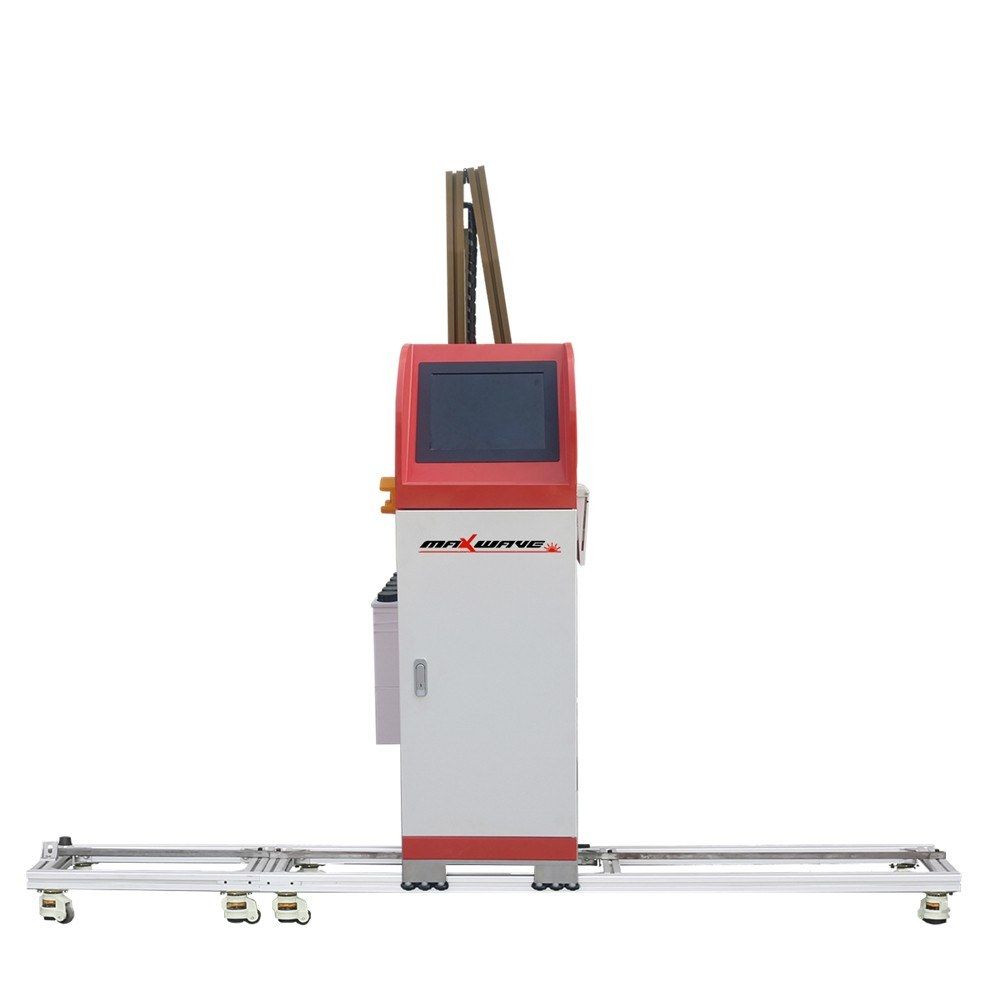
| Ground travel | Wheels only; needs a flat indoor floor, slopes under 15° | Wheels plus profile rail (6 × 1 m) or wheeled rail (3 × 1 m); high-precision rail on the top grade; any terrain |
| Vertical guide | Fixed linear guide, single slider, ±0.03 mm | Folding aluminium profile with belt drive, ±0.05 mm; or quick-mount HIWIN guide with double sliders, ±0.01 mm |
| Weather protection | No motor covers; do not print in rain | Motor covers; short work in light rain is possible |
| Head heating | None; heads clog below 0 °C | Automatic constant-temperature heating; prints below 0 °C |
| Ink station | Ink pad without magnet, no waste bottle; longer alignment before printing | Magnetic ink pad and waste bottle; quicker alignment |
| Set-up time | 15–20 minutes | 5–10 minutes |
| Transport | Splits into 4 parts; pickup truck; sea freight | Splits into 4 or 7 parts; fits a car; flight case for air freight |
| Paint finish | Grade C, 40–60 µm | Grade A, 80–120 µm |
| Interface languages | Chinese, English | Chinese, English, Russian |
Wall and floor printers
A wall and floor printer turns its rail through 90° to print on the floor. On Maxwave’s better grade the switch takes about 2 minutes, against about 10 minutes on machines where the rail has to be taken apart. On the floor it prints a 2.5 m wide strip of any length from a 3 m rail, and the top grade runs on the rail and one side wheel so nothing rolls over the fresh print.
Which Maxwave wall printers use which head?
- Epson I1600: track-type 2-in-1 wall and floor printer, automatic 3D UV floor printer MW-GP200.
- I1600 or I3200 to order: wheel-type UV wall printer with guide rails.
- DX7, DX10 or I1600 to order: wall and floor printer MW-GP400, 3D UV wall printing machine, 3D wall printer with track rails.
- Epson DX7: touch-screen 3D wall printer, 3D vertical UV wall printer, 3D vertical wall printer DX7, mini portable UV wall printer, direct-to-wall printer, 2.1 m.
- Other heads, ask for the data sheet: automatic 3D wall printer MW-UP200, vertical mural wall printer MW-UP200T, wheeled mural wall printer, 3.5 m.
The machines on this site are a selection; other heads, heights and rail lengths are available on request. Send us an image and a wall size, and we print a sample and time it for you.