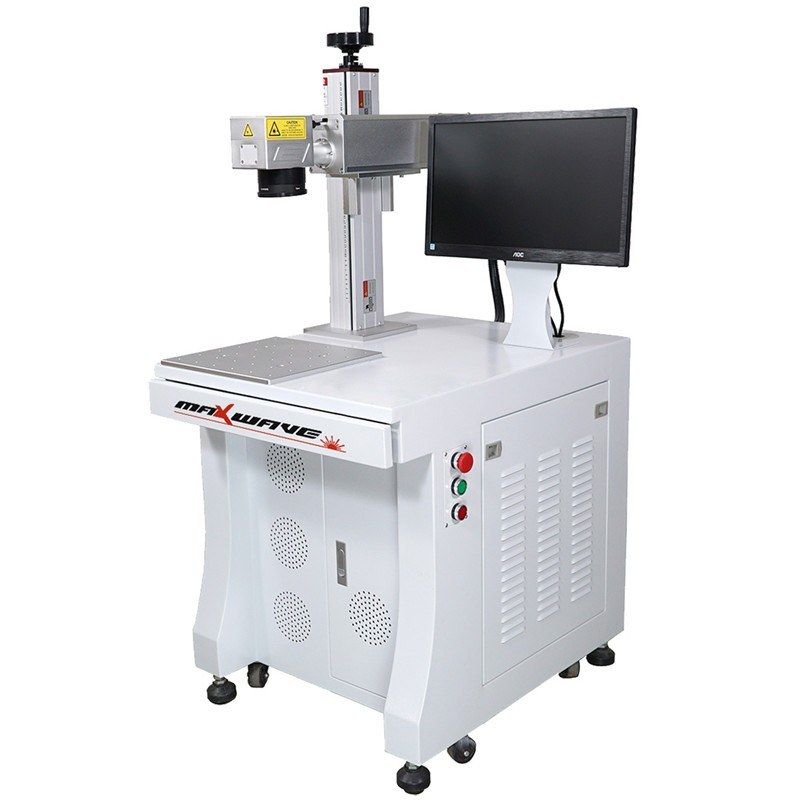
Fiber and MOPA markers
Desktop Fiber Laser Marking Machine 20–100 W
- Laser power
- 20–100 W
- Marking area
- Up to 300 × 300 mm
- Marking speed
- ≤ 7000 mm/s
Application · Laser marking
Laser marking writes serial numbers, batch codes, logos and 2D codes directly into the part. The mark survives handling, cleaning and heat, so parts stay traceable for life.
Manufacturers mark parts to trace them through production, warranty and recalls: serial numbers, dates, batch codes, logos and machine-readable 2D codes. Labels peel off and ink wears away; a laser mark is part of the surface.
Desktop markers suit small parts on a bench. Cabinet workstations add a larger table and storage for production use. Handheld markers go to large parts. Flying markers mount over a production line and mark products on the move.
For 2D codes, contrast and cell size decide whether scanners can read them. Send us sample parts and your code format: we mark them and check readability before you buy.
Fiber and MOPA markers
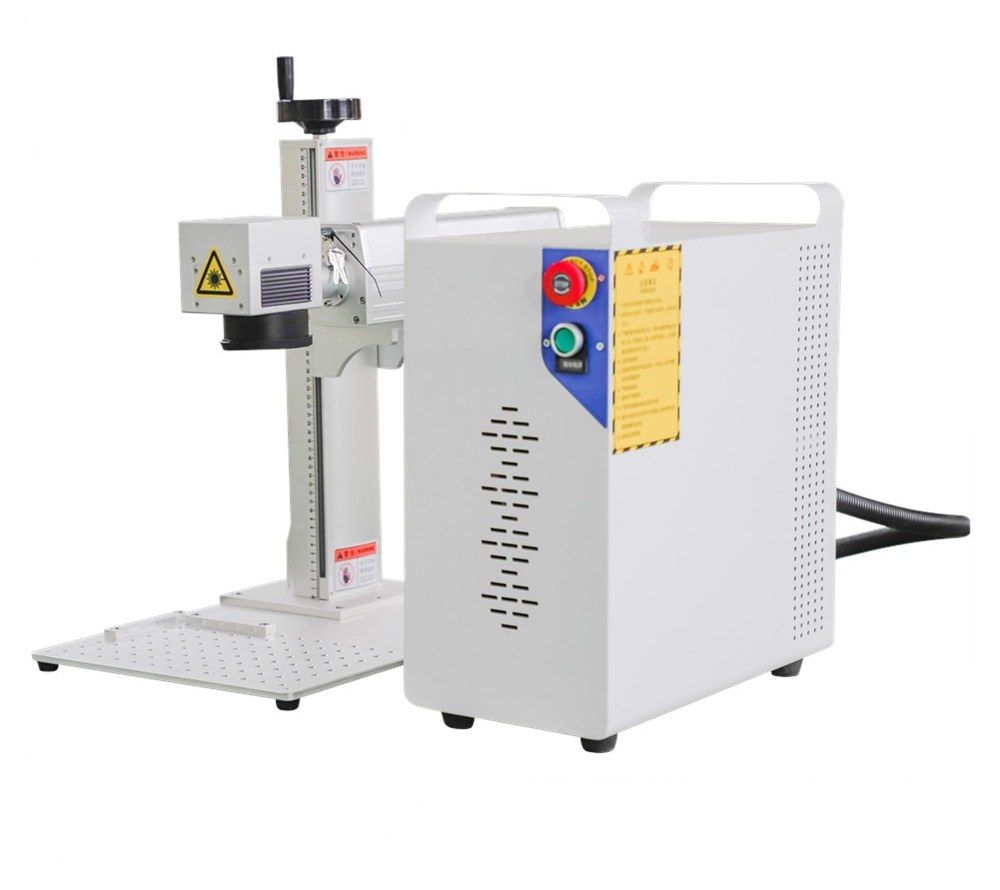
Fiber and MOPA markers
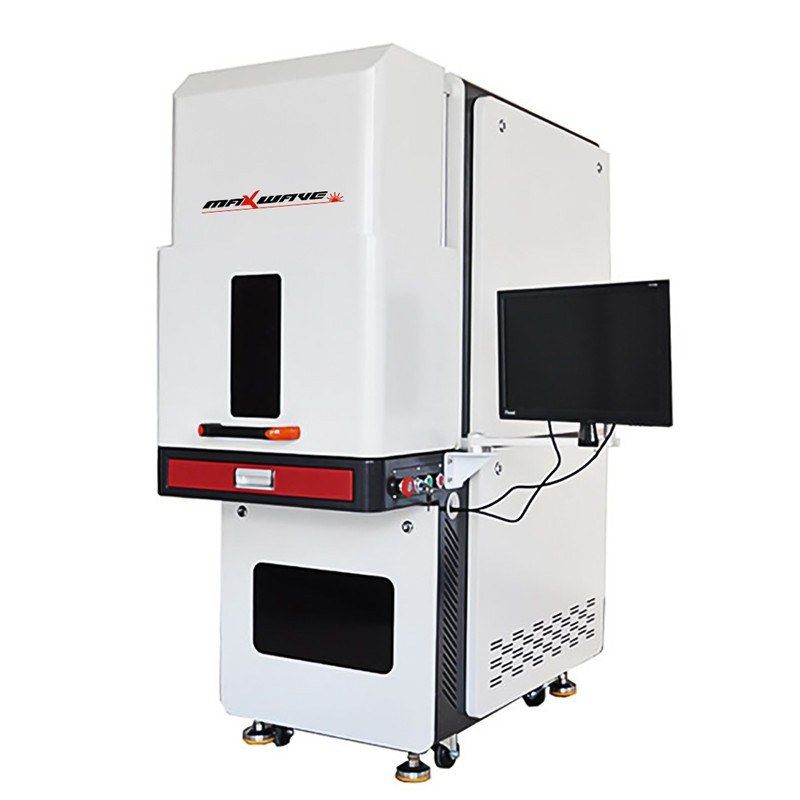
UV markers, 355 nm
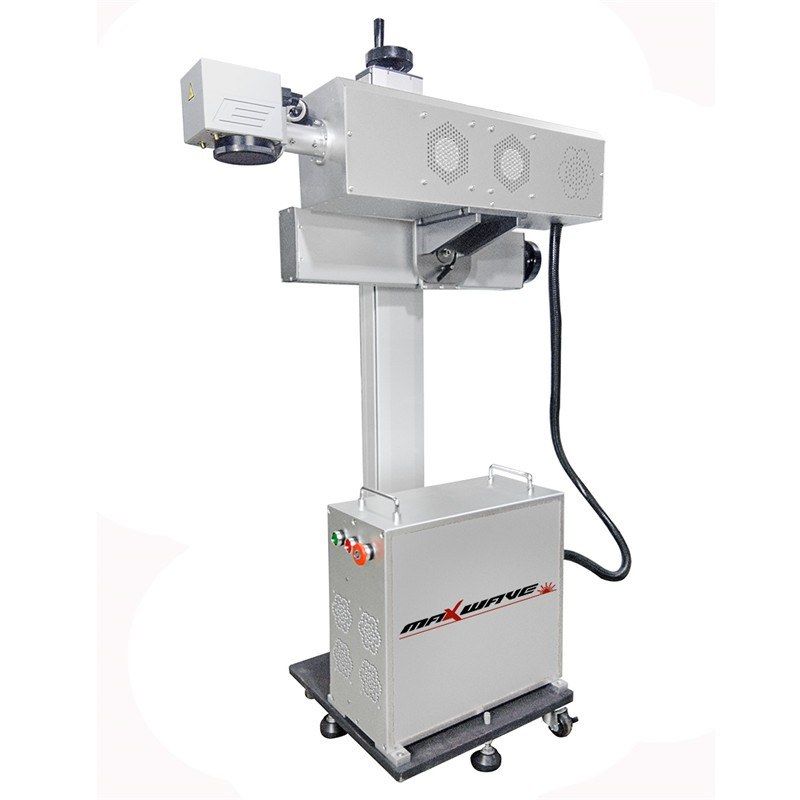
CO2 markers, 10.6 µm
FAQ
A fiber laser for most metals. For high-contrast black codes on anodized aluminium or stainless, a MOPA fiber laser gives more control. Code size and surface finish affect readability, so test with your scanner.
Yes. Marking software can increment serials, insert dates and batch codes, and read data from a file, so each part gets a unique mark.
Use a flying (online) marker synchronised with an encoder on the line. It marks while the product moves, without stopping the conveyor.